AI made for bouquets, not generic retail
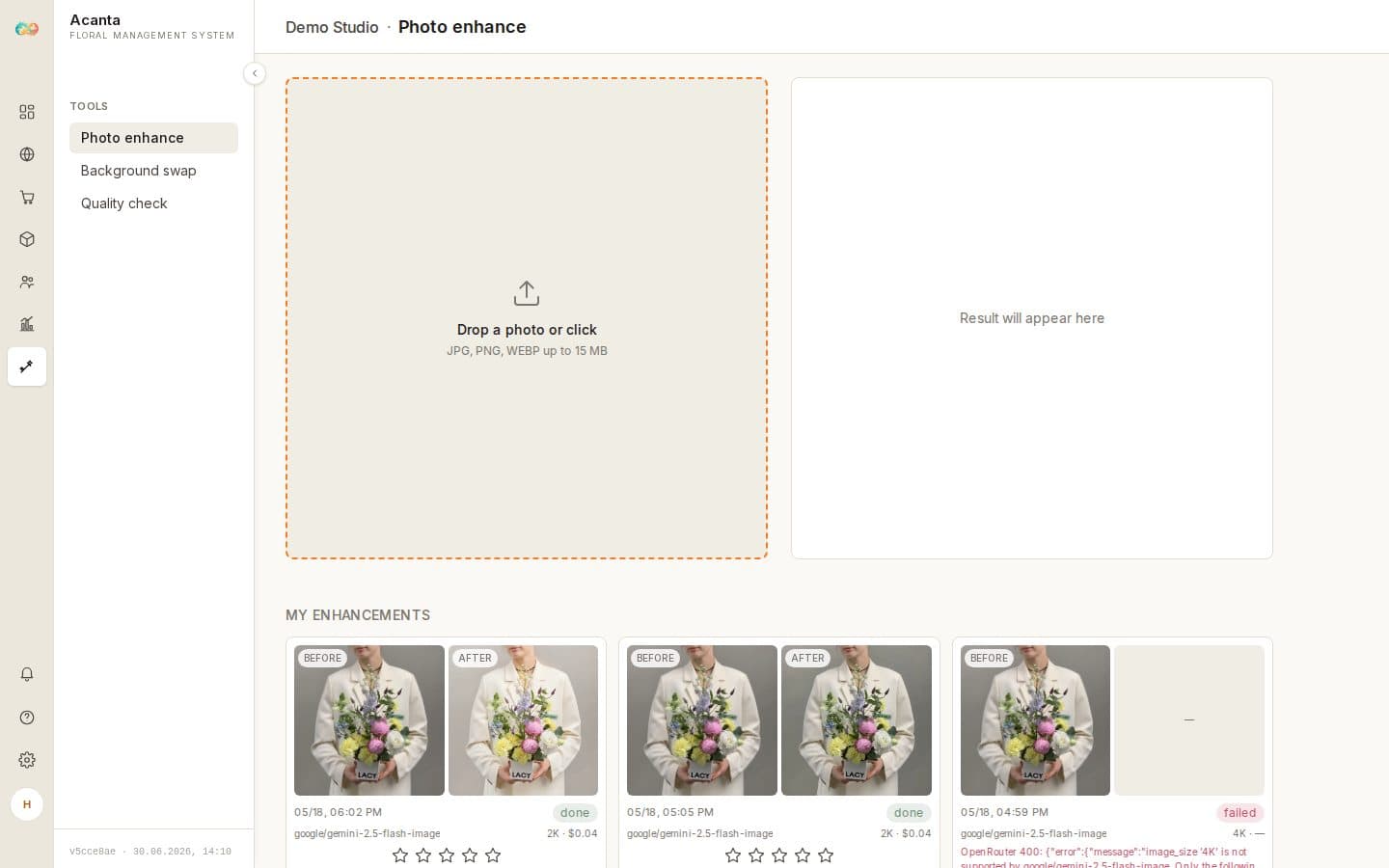
Photo enhancement, bouquet swap into a ready scene and Flower Vision quality control. A phone snapshot becomes a storefront photo, and a 1080×1920 one for Stories.
Flower Vision quality control
Every bouquet is scored on six criteria and compared to a reference, so you see whether the build matches what you show the client. Live now.
- ✓Six scored criteria
- ✓Comparison to a reference
- ✓Mismatches caught before handover
Photo enhancement
Fix the light, clean the background, apply a preset — including Stories 1080×1920 — and compress the file for the site. A quick phone photo becomes a storefront image.
Bouquet into a ready scene
Move the bouquet from your snapshot into a ready scene and get a photo for the storefront and social media without a separate shoot.
Bouquet from a layout — coming soon
Build a layout and get a storefront-ready photo.
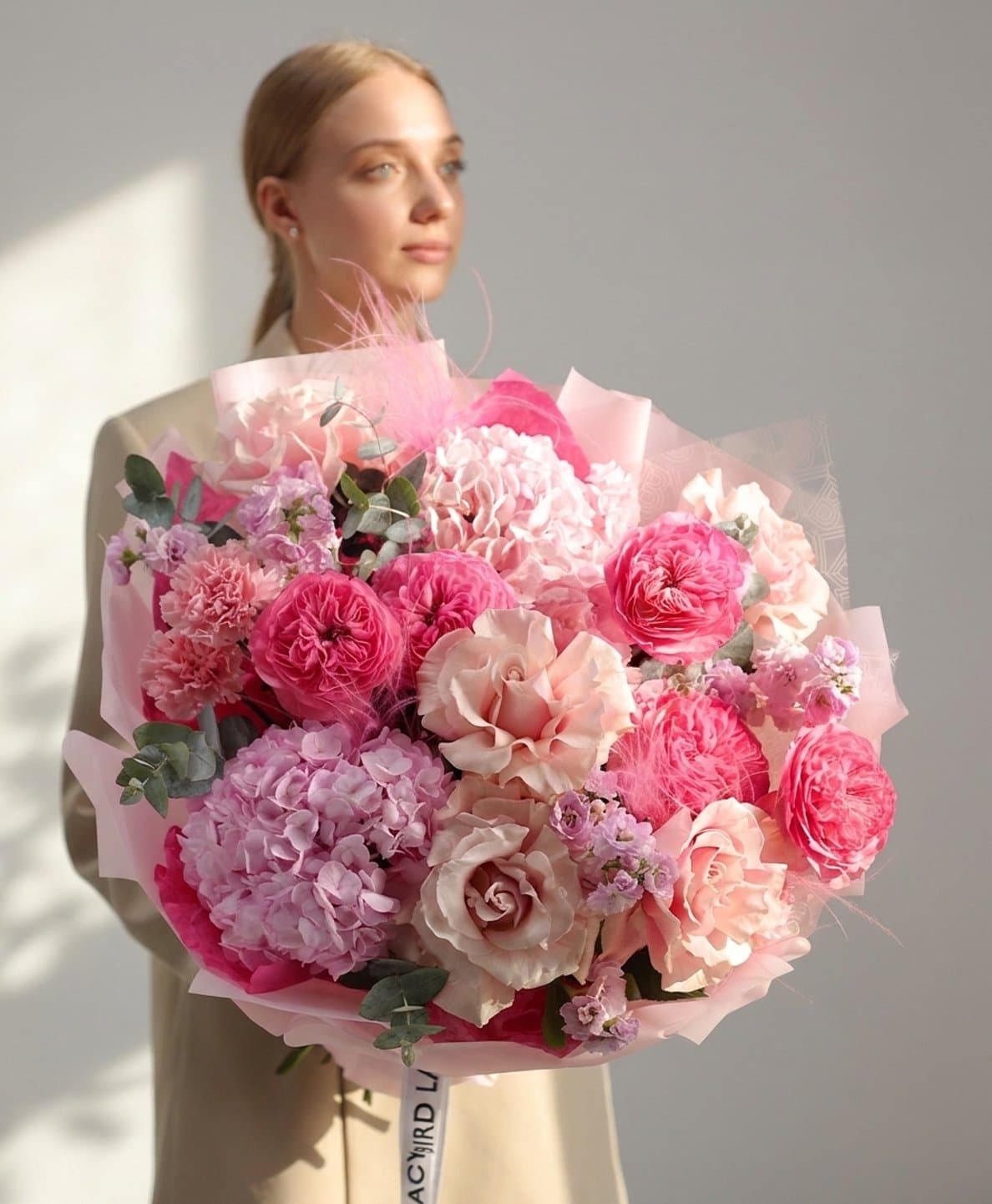
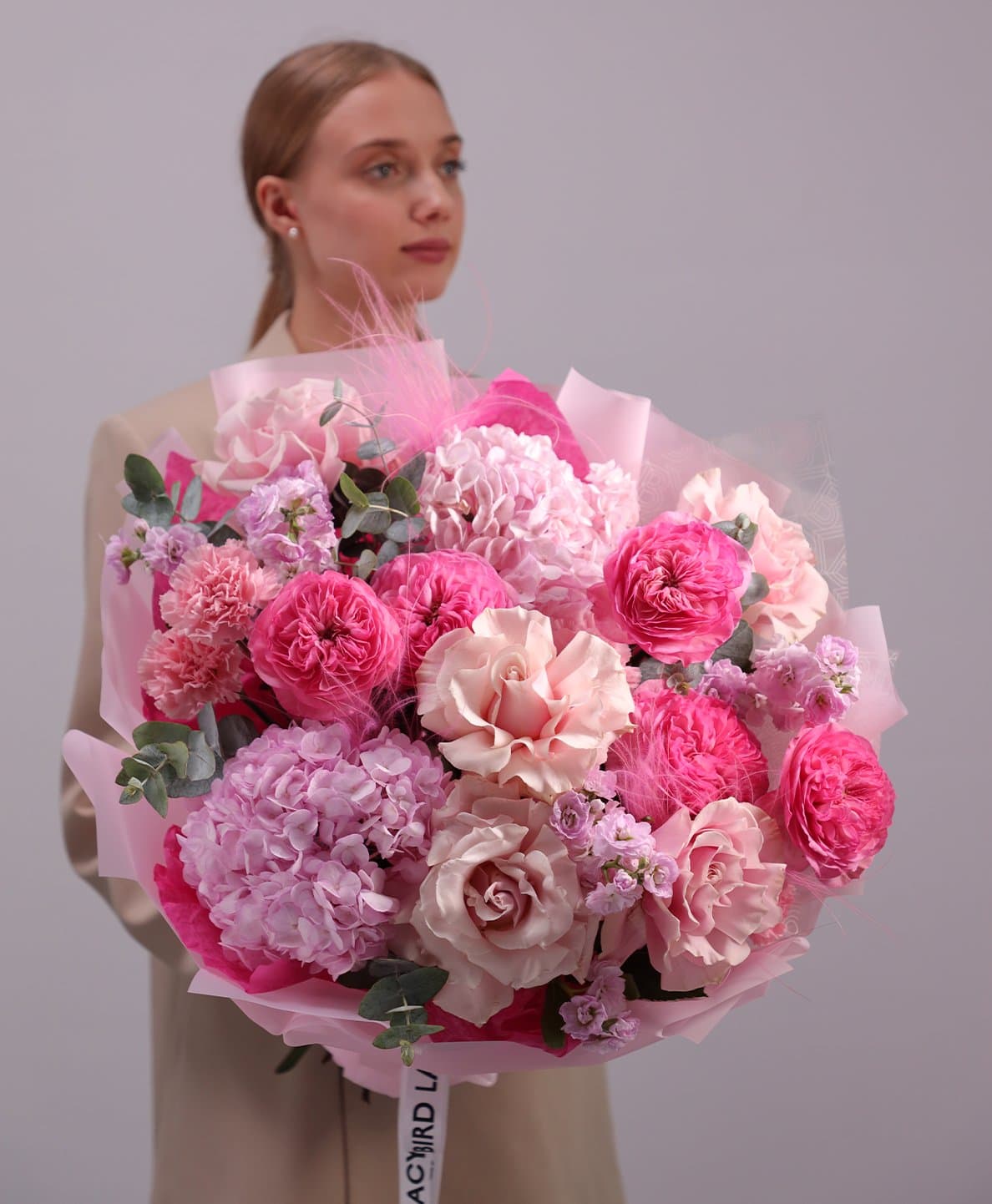
Studio light for every shot
Shoot bouquets whenever it suits you — even in the evening or on an overcast day. Acanta evens out the lighting, removes cold casts, and lifts the colour. The photo lands on your storefront ready to publish — no re-shoots, no manual retouching.
- ✓Natural-looking light even on a cloudy day or after dark
- ✓Exposure and white-balance brought into line automatically
- ✓We keep the actual bouquet — nothing is added or replaced
- ✓Presets: Studio / Soft light / Storefront
- ✓One click — ready for the product card or a client chat
Objective score for every bouquet
Flower Vision is how Acanta sees your work. The florist sends a bouquet photo to the team chat — the system scores it across 6 criteria instantly. No subjectivity. No delays.


Real Flower Vision scores — bouquets by Lacy Bird studio
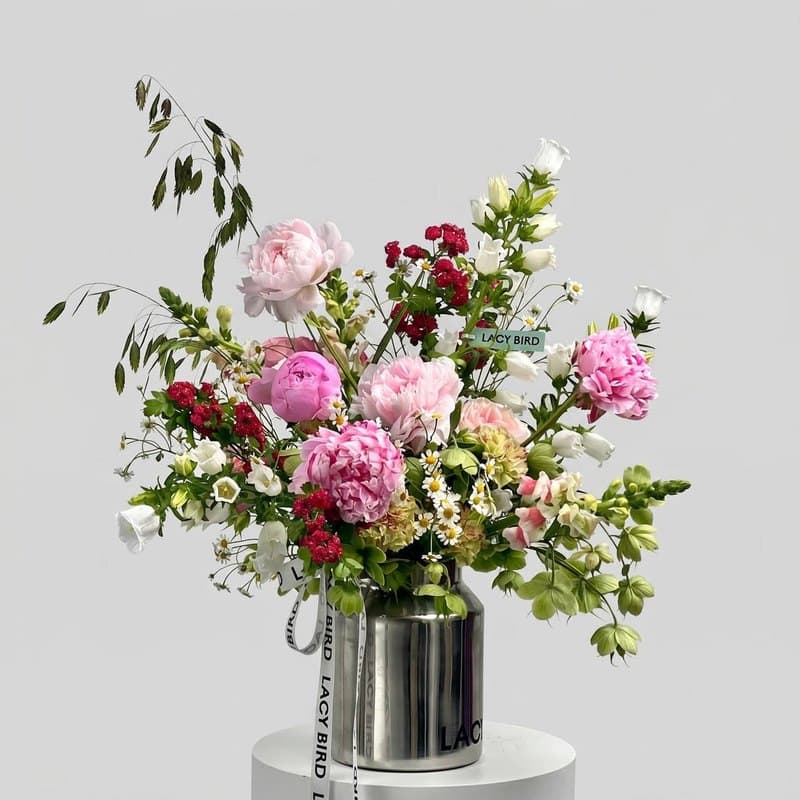
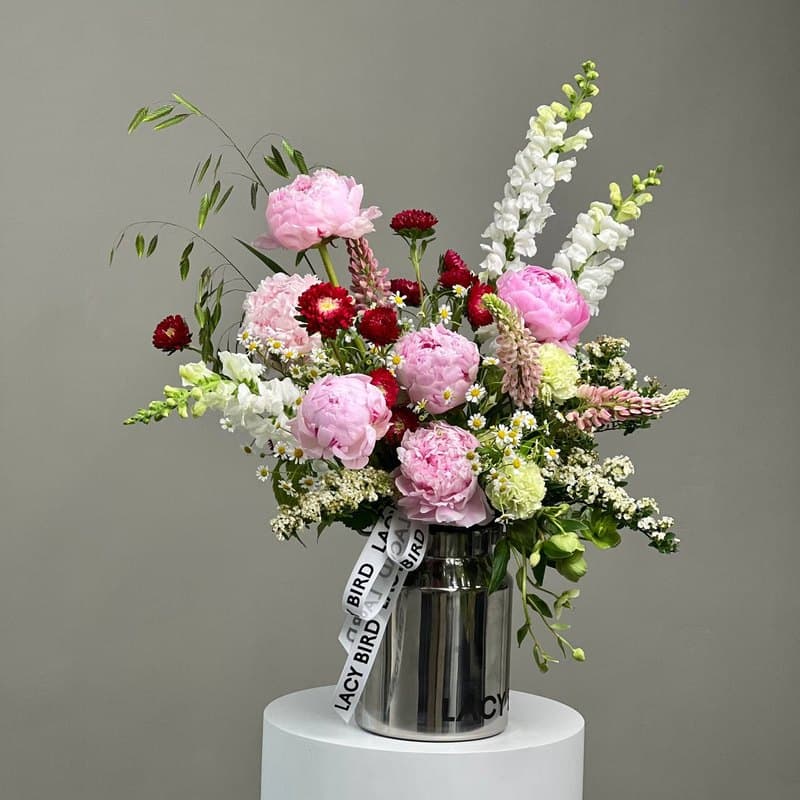
Composition and shape fully match the reference: peonies, snapdragons, daisies and grasses are all in place. The only differences are lighting and background.
Florist photographs the finished bouquet
Sends it to the team chat
Scored across 6 criteria — instantly
Manager tracks each florist's dynamics
Bouquet Builder
Create flower matrices, build bouquet collections and share them with clients. Live warehouse stock — always at hand.
- ✓Flower matrix with prices and stock
- ✓Bouquet collections with public link
- ✓Automatic cost calculation
- ✓Real-time warehouse integration
- ✓Photo-realistic render from the mock-up — for clients, your shop, or quotes
Mock-up to photo in seconds
Build a mock-up — get a photo-realistic shot
Compose the bouquet in Acanta, hit «generate» — and you have a photo-realistic image. Send it to the client as a proposal, list it on your site as «in stock», or attach it to a quote.
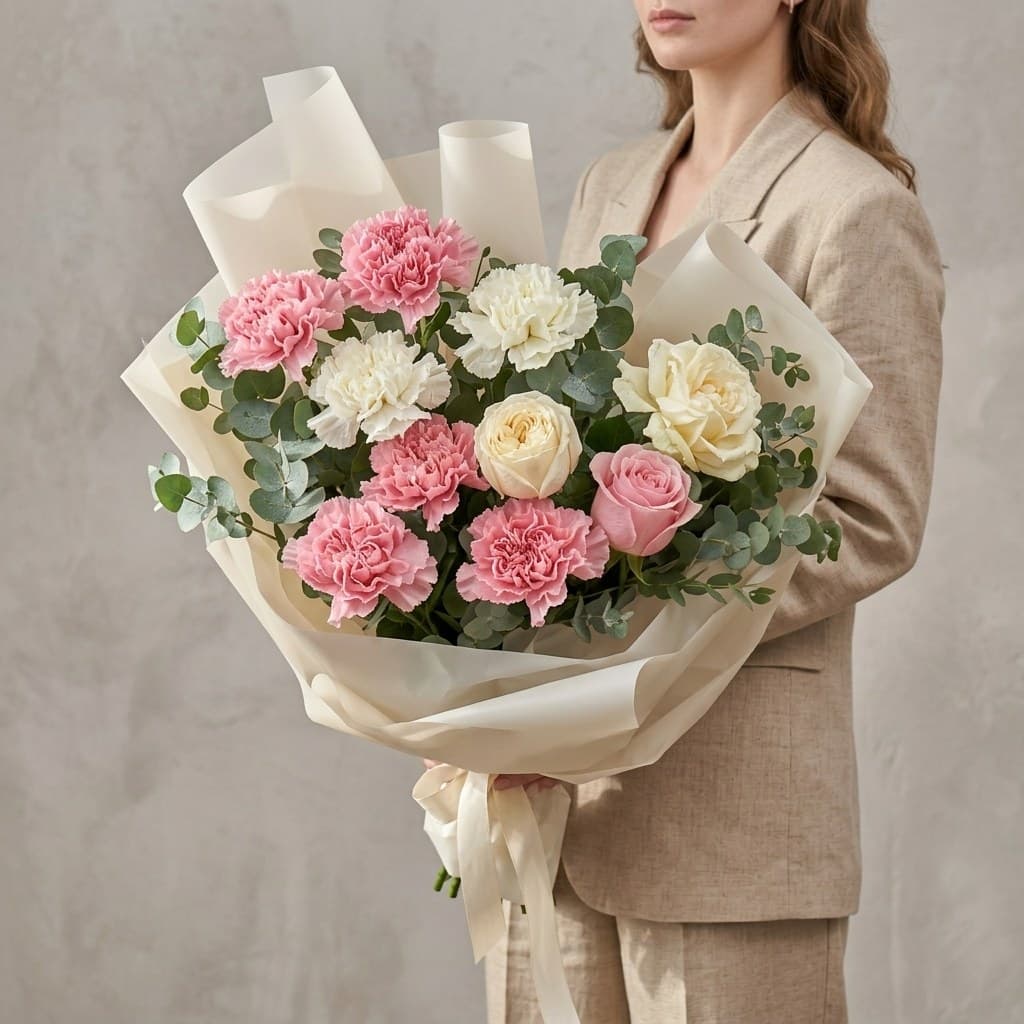

Acanta AI vs generic photo tools
See it on your own shop
Set up with your data. Free plan — free with no time limit; Pro and Max — 14 days free to try.